 Spaulding Labs
Badge Reader
Tap a badge to clock in. Works with MetalTrack Time.
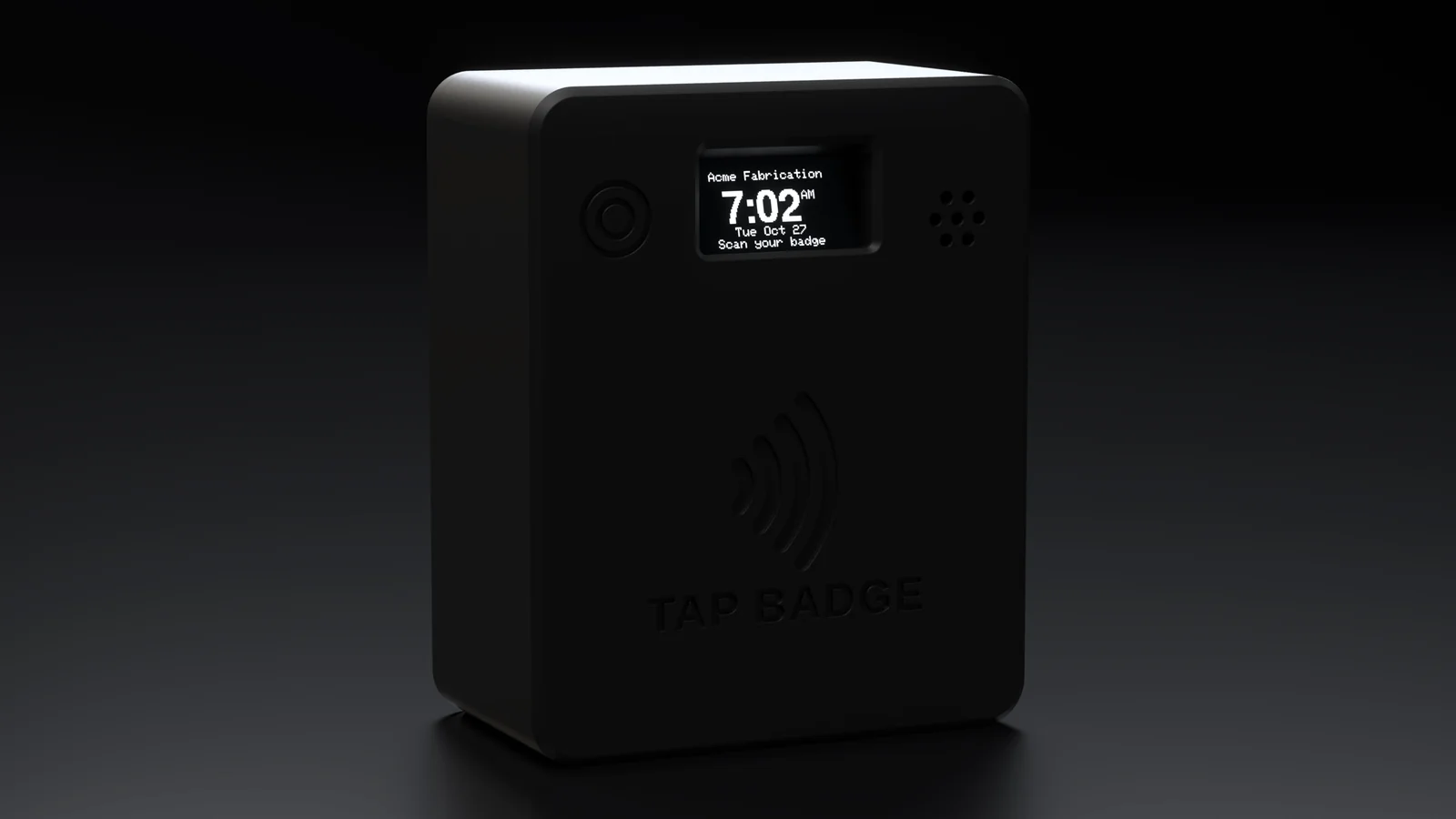
>Tap in
One tap and you’re on the clock.
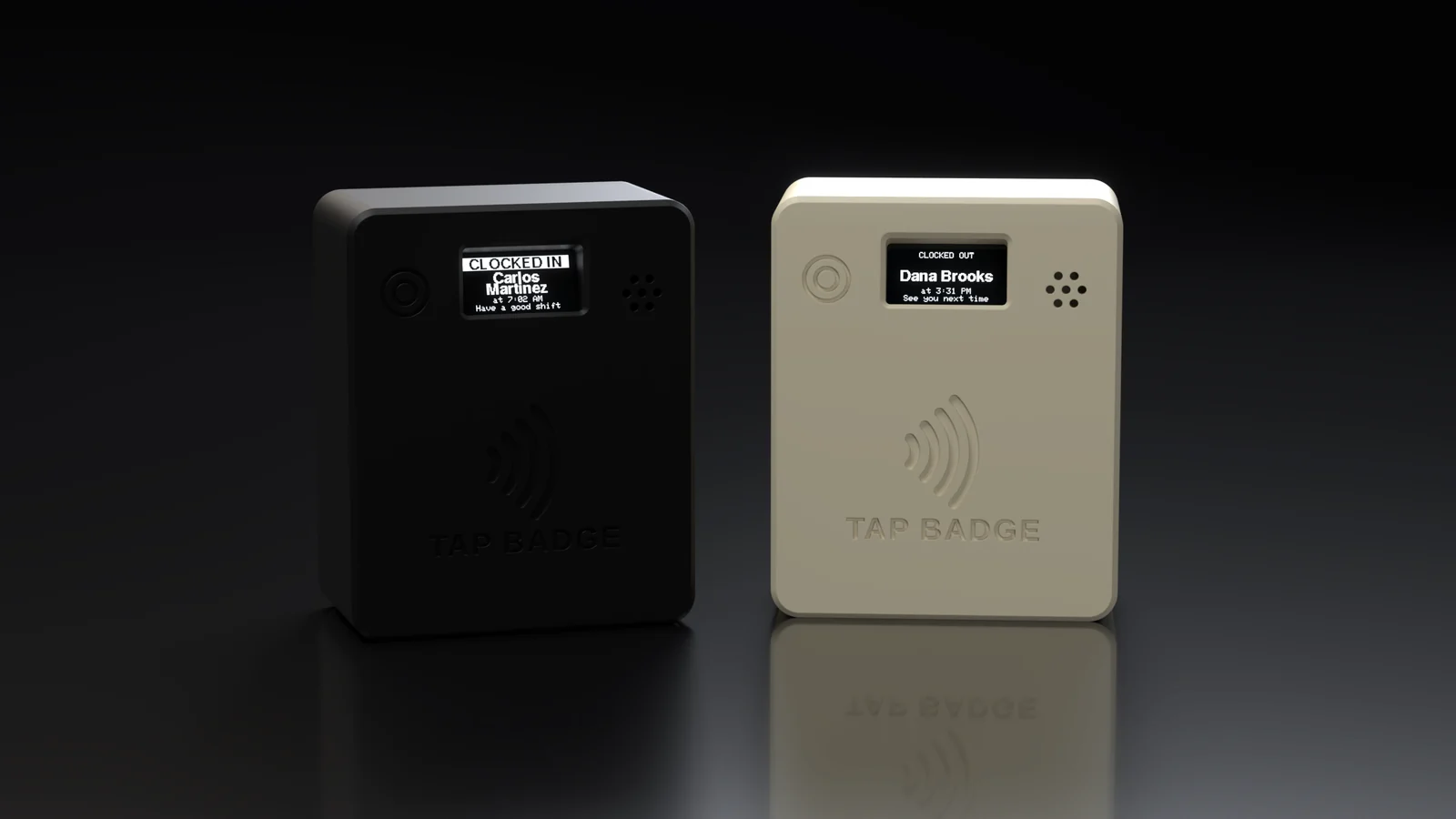
Employees hold their badge to the reader to clock in or out. The screen answers right away with their name, CLOCKED IN or CLOCKED OUT, and the time. No buttons to press and nothing to type.
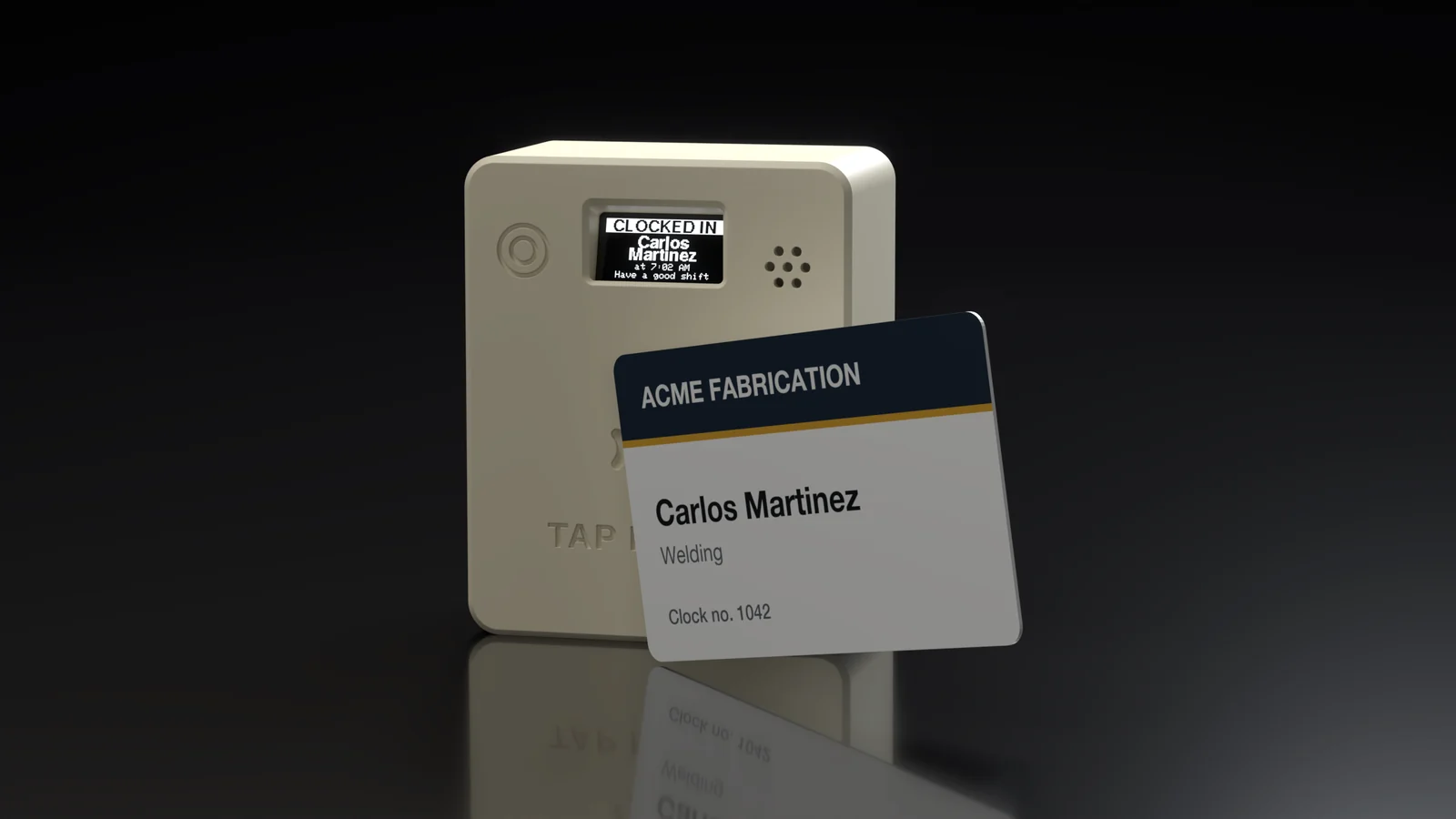
>MetalTrack Time
Hours go straight to the books.
Every punch lands in MetalTrack Time, just like a punch on the shop’s tablet kiosk. From there, hours sync to QuickBooks Online.
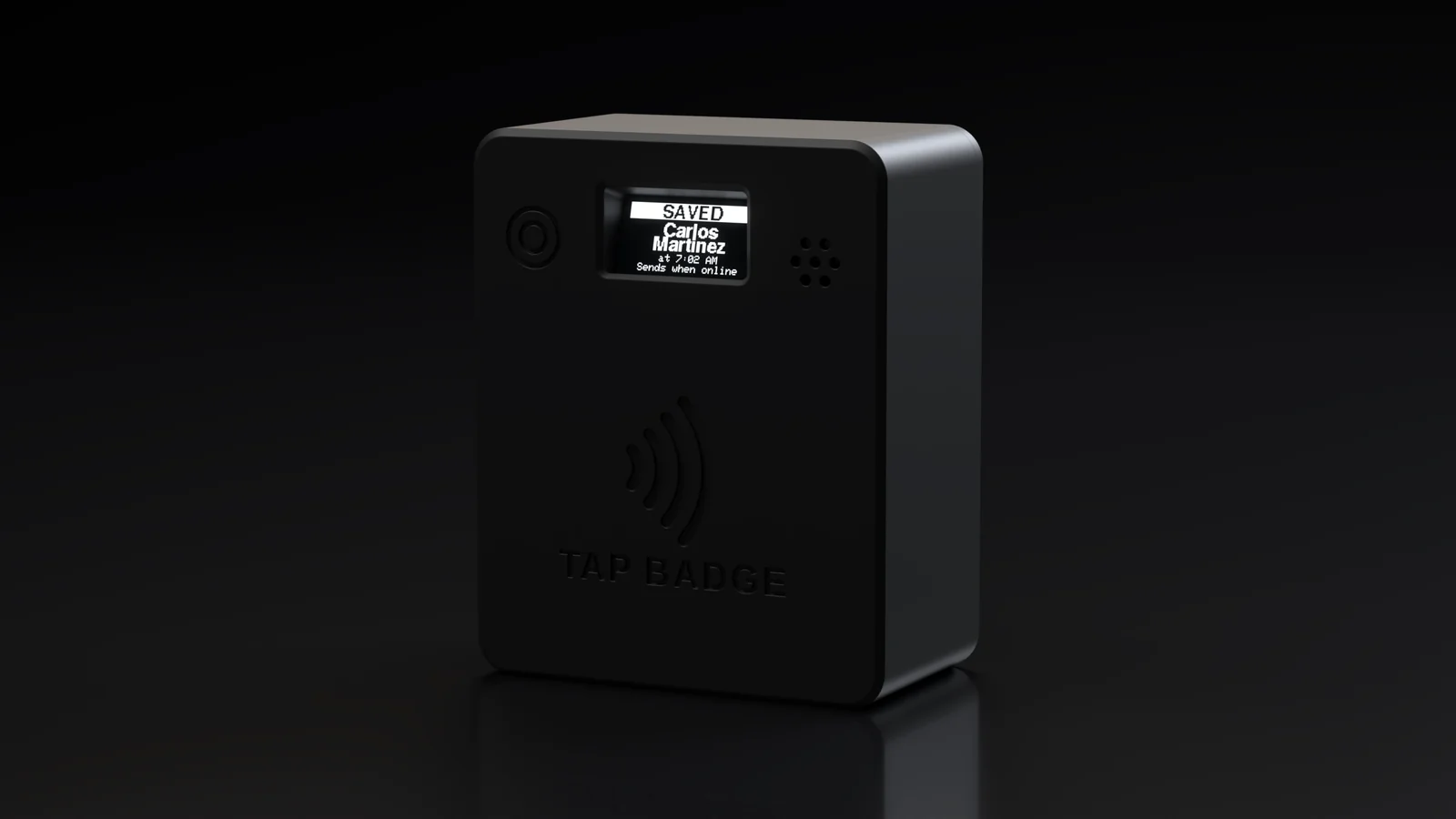
>Offline
The Wi-Fi drops. The clock doesn’t.
If the network or the server is down, the reader still takes every tap. It saves each punch with the time it happened and sends them in order as soon as it’s back online. It keeps the employee list too, so names still show.
>Setup
Set up from your phone.
The reader starts its own Wi-Fi network for setup. Join it from any phone, connect the reader to the shop’s Wi-Fi and pair it with MetalTrack Time. New badges are made on the reader’s own web page, behind a manager PIN.
>Specs
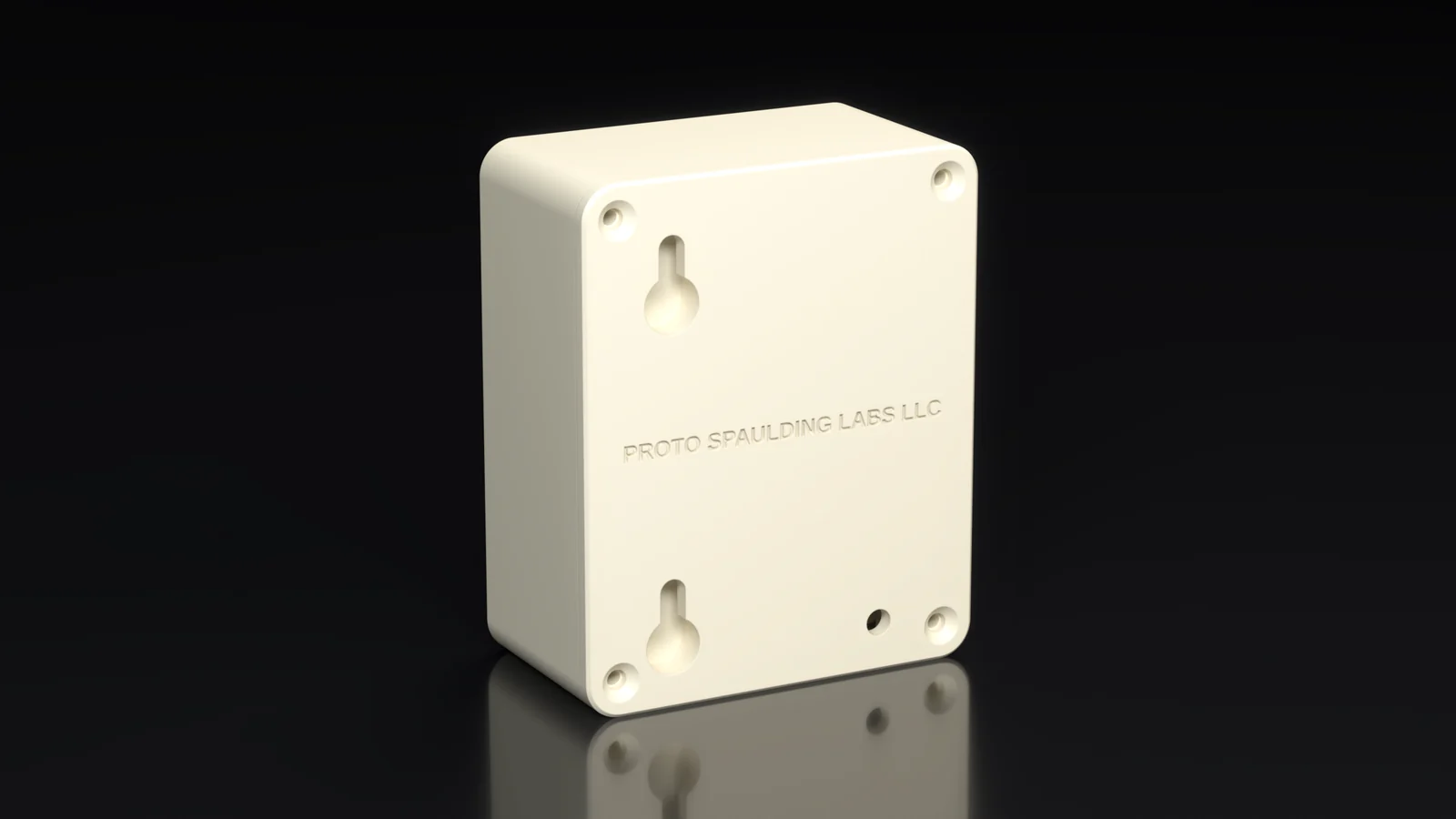
- Size71 × 87 × 39 mm.
- Screen0.96-inch white OLED.
- Badges13.56 MHz MIFARE Classic 1K cards or fobs.
- PowerUSB-C, from any phone charger.
- MountingTwo keyholes on the back for wall screws.
- Case3D printed in black or beige.