 Spaulding Labs
Time Clock
Type a clock number to clock in. Built for MetalTrack Time.
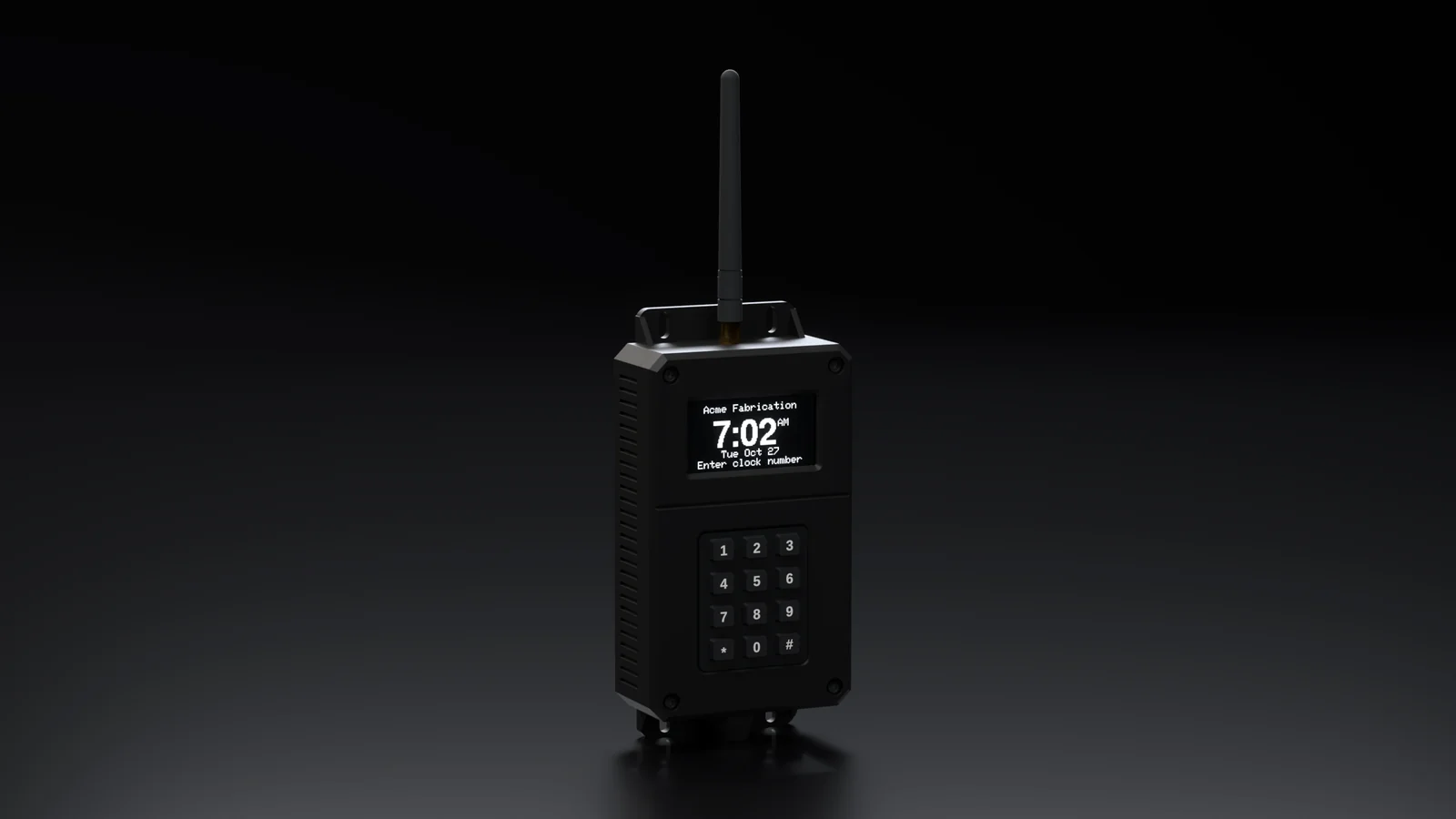
>Punch in
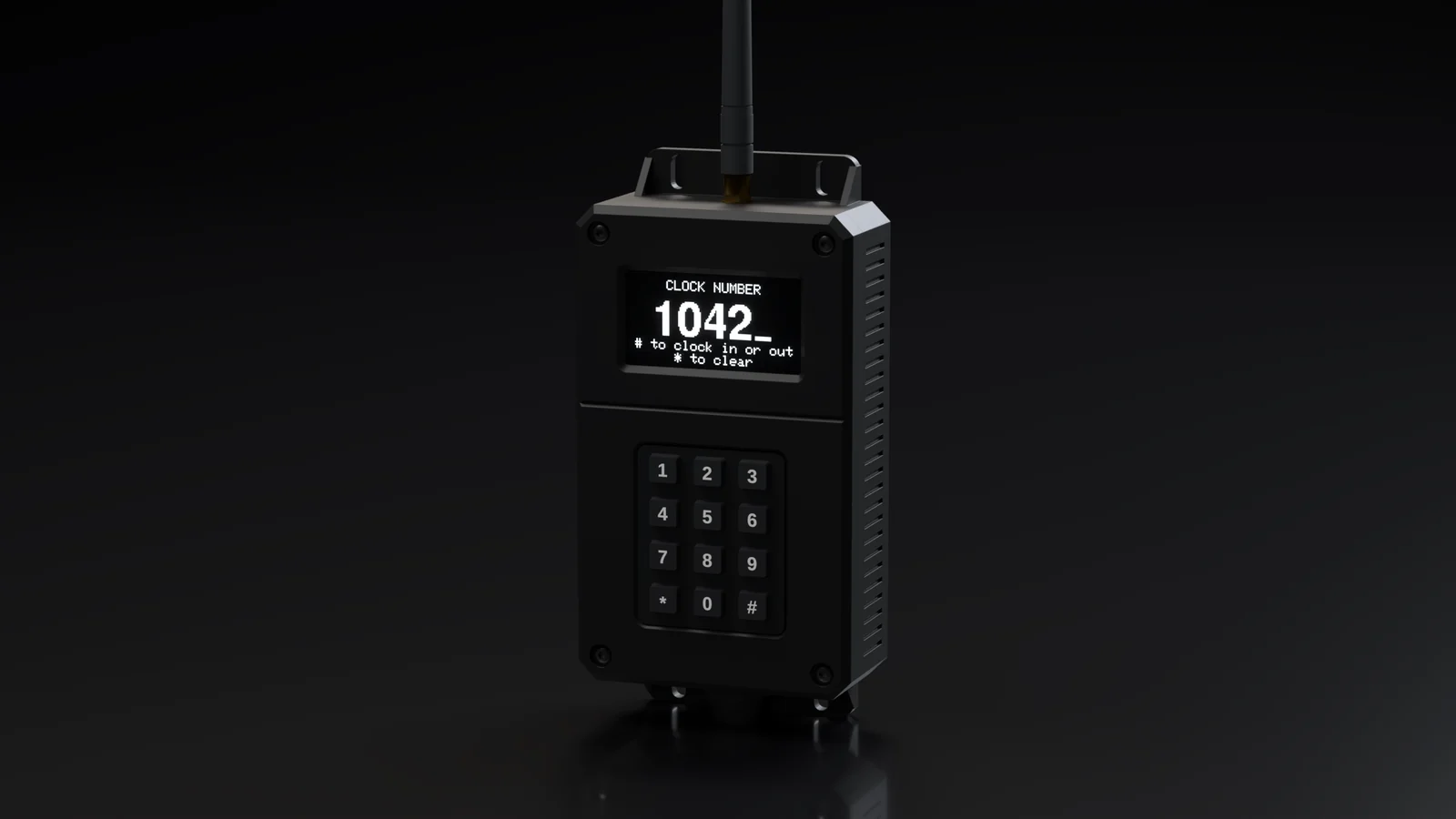
Type your number. Press #.
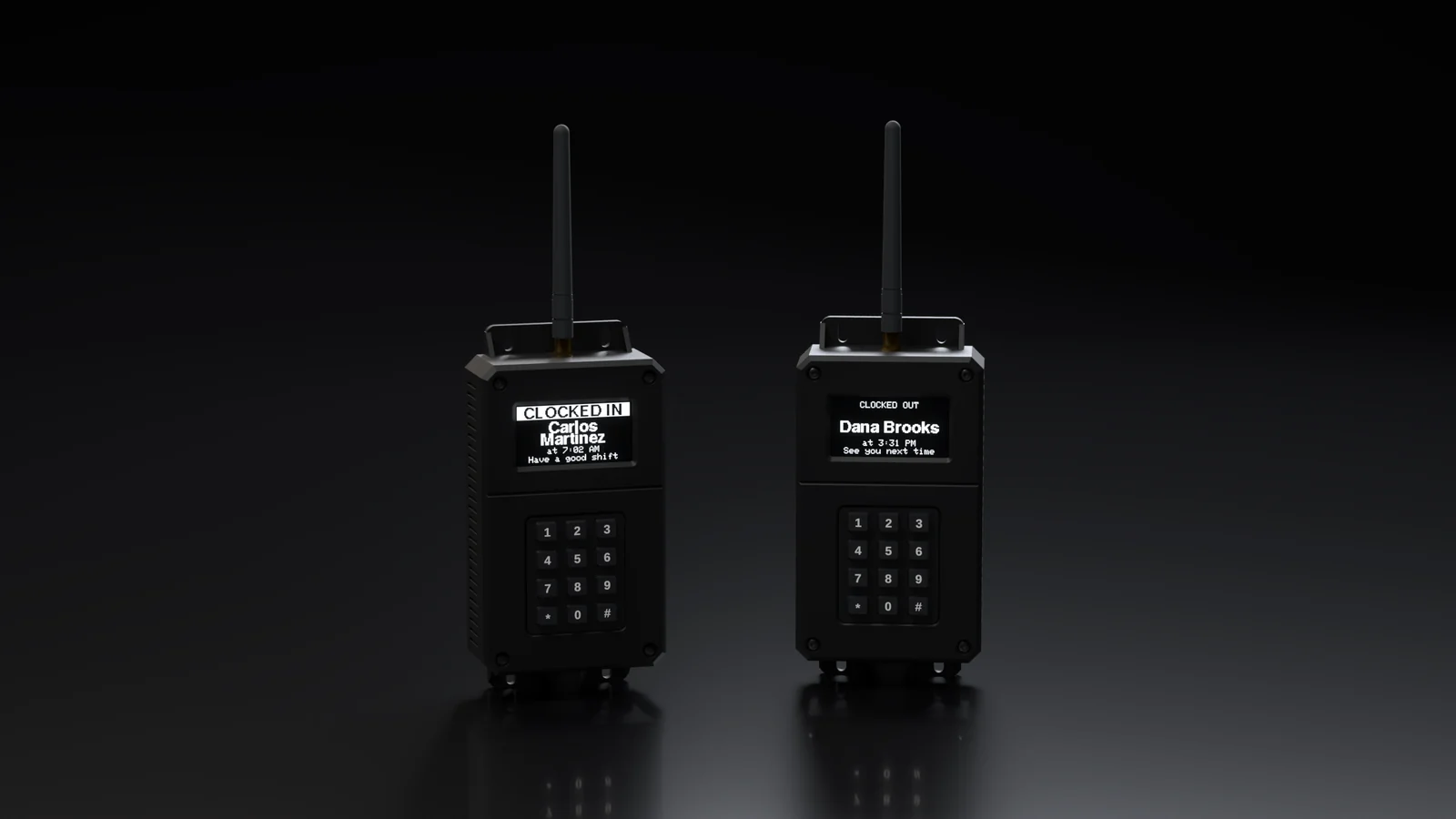
Employees clock in or out with the same clock number they use on the shop’s tablet kiosk. They type it on the keypad and press #, and the screen answers with their name, CLOCKED IN or CLOCKED OUT, and the time.
>MetalTrack Time
Hours go straight to the books.
Every punch lands in MetalTrack Time, the same as a punch on the tablet kiosk or the badge reader. From there, hours sync to QuickBooks Online.
>Built for the floor
No touchscreen to crack.
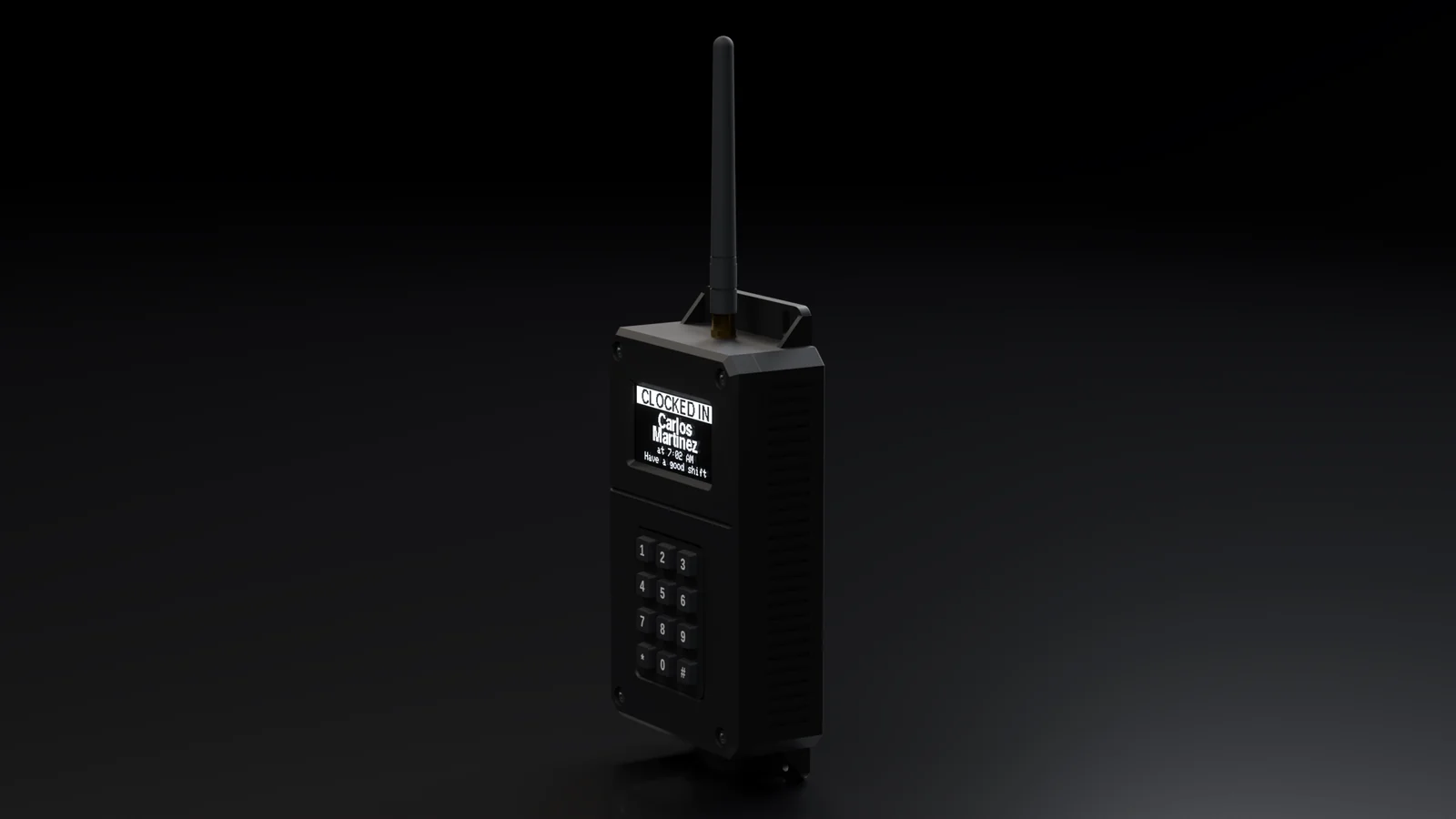
Hard keys stand up through a cut-out fitted to the keypad, and the screen sits behind a clear window in a deep bevel. Four security screws hold the face on, so an ordinary screwdriver won’t open it. The cable comes in through a sealed gland in the bottom, and the Wi-Fi antenna stands on top, outside the box.
>Specs
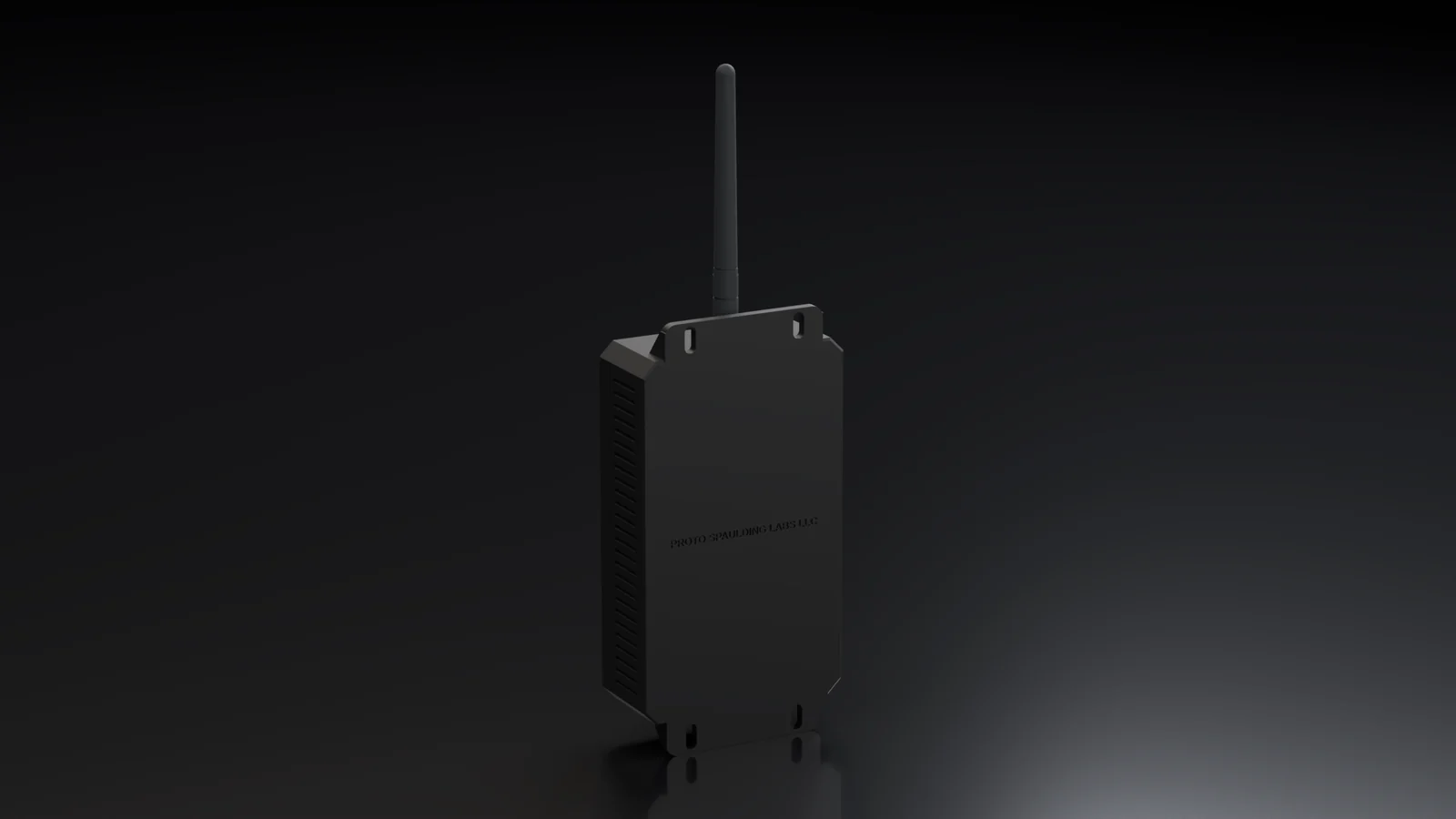
- Size90 × 150 × 40 mm, 178 mm tall over the wall ears.
- Screen2.42-inch white OLED.
- Keypad12 hard keys: 0 to 9, * and #.
- Wi-Fi2.4 GHz, with a swivel antenna on top.
- MountingFour wall screws, through slotted ears.
- CablesAn M16 cable gland in the bottom.
- Case3D printed in black.