 Spaulding Labs
Colorman
Your handheld game library, in one app.
>Your games
Bring your own games.
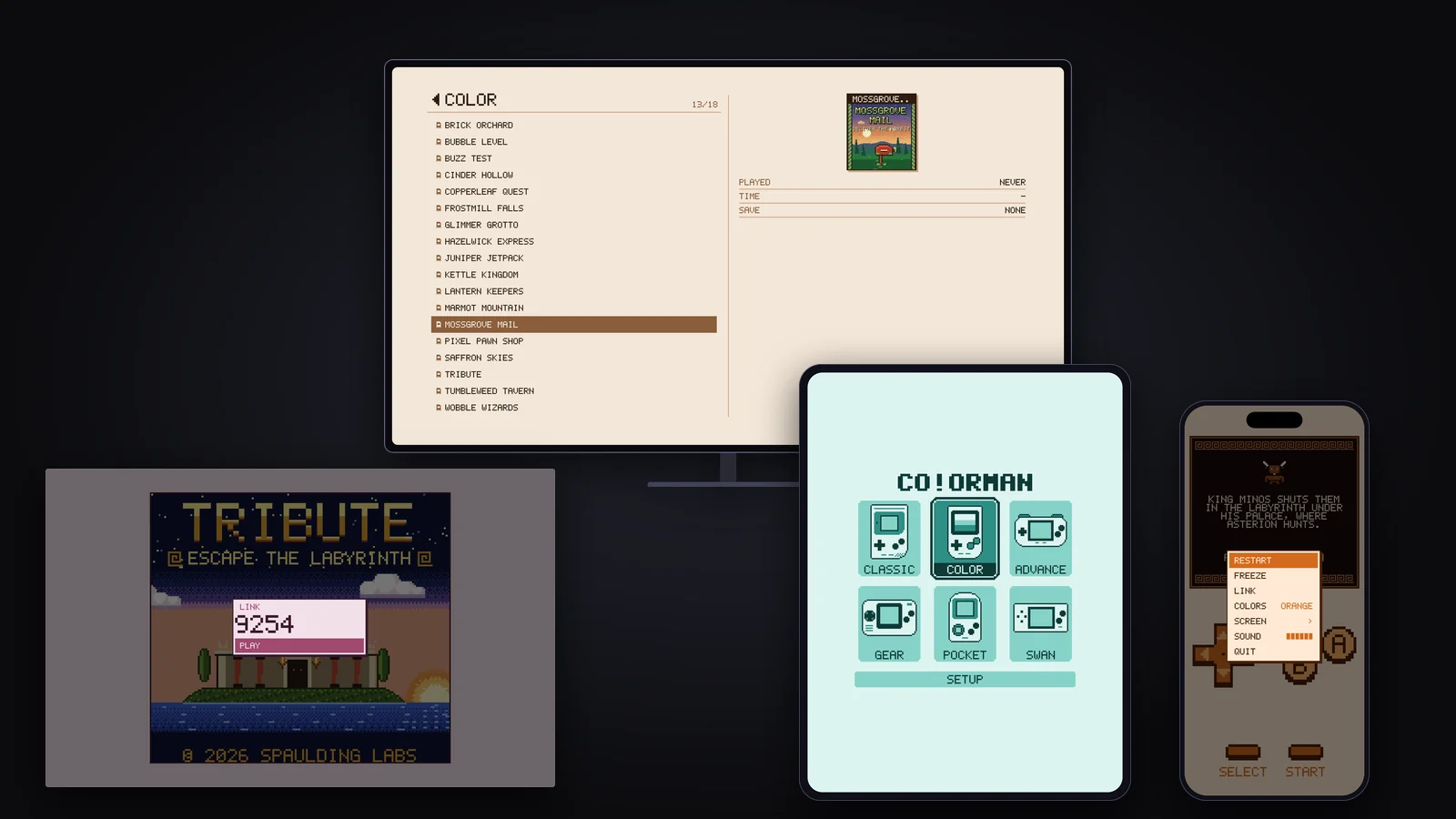
Add game files or a whole folder from the Files app or iCloud Drive, and Colorman sorts them onto a shelf for each system. It reads what’s inside every file, so the file name never matters. On Apple TV, scan the code on screen with your phone and send games to the TV from its browser. Colorman doesn’t include or download any games: you play the ones you own.
>Six systems
Six handhelds. All free.
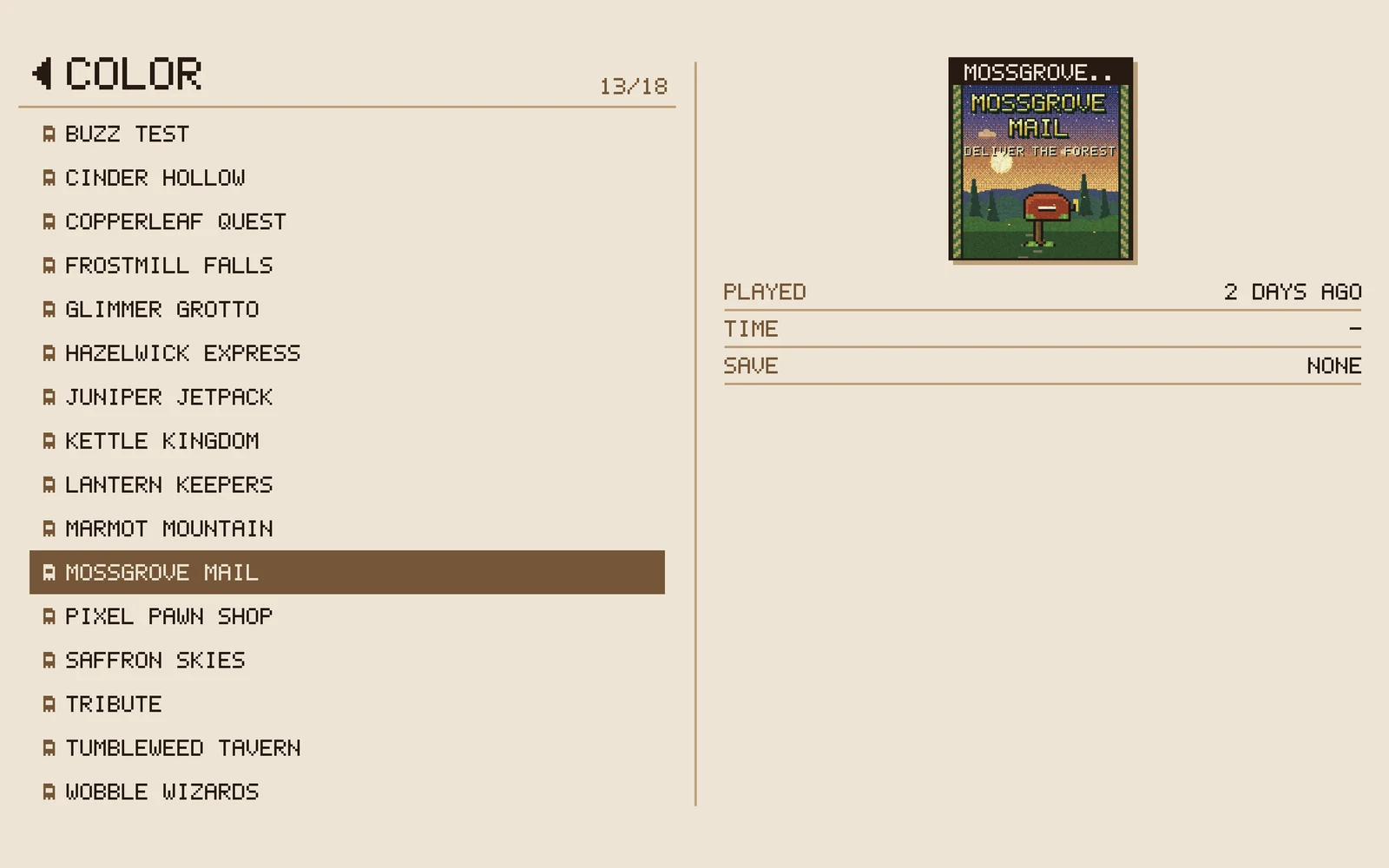
CLASSIC, COLOR, ADVANCE, GEAR, POCKET and SWAN, all in one app and all included. No in-app purchases, no subscriptions. Pick a system, pick a game, play.
>Box art
Box art for every game.
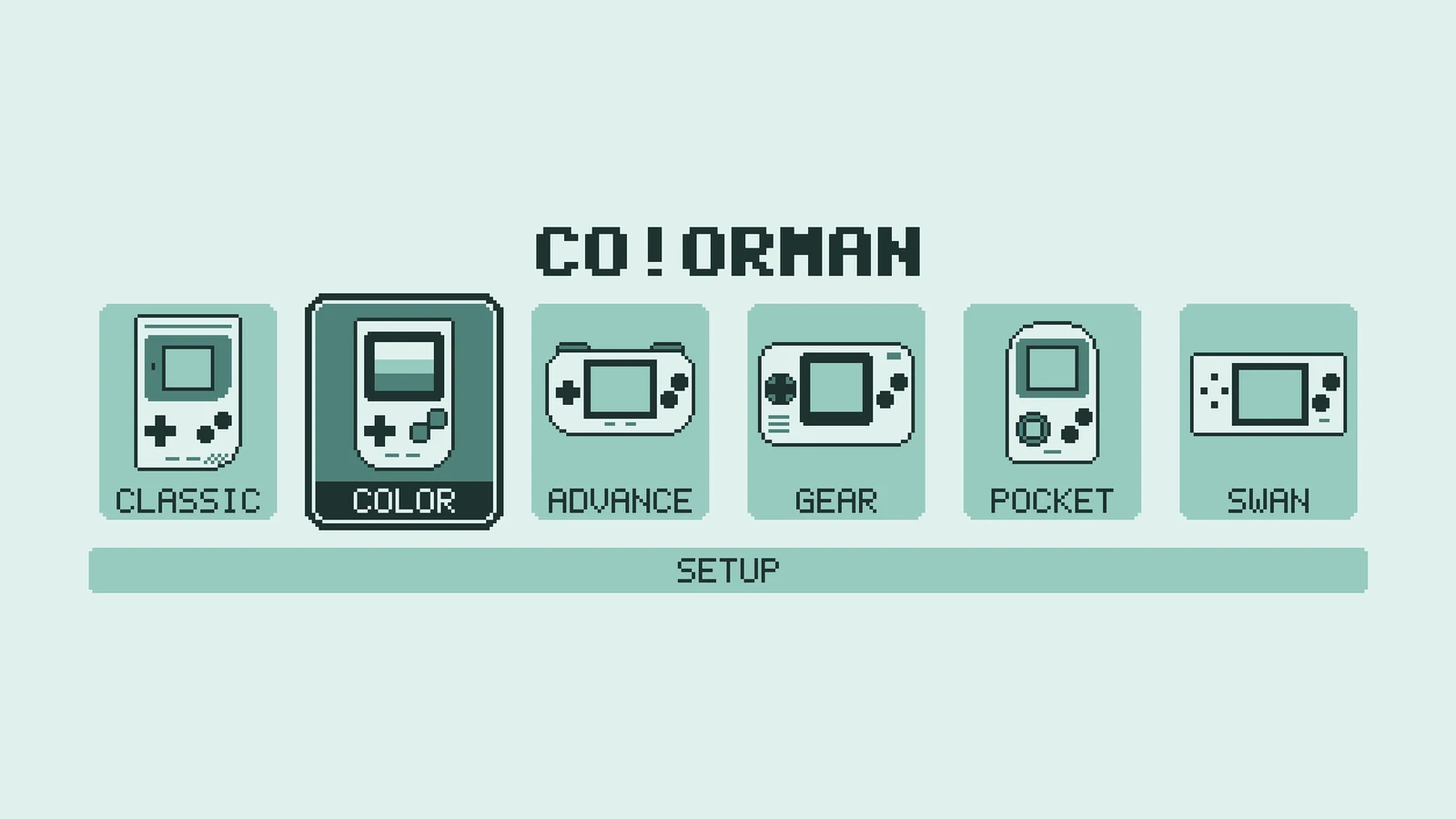
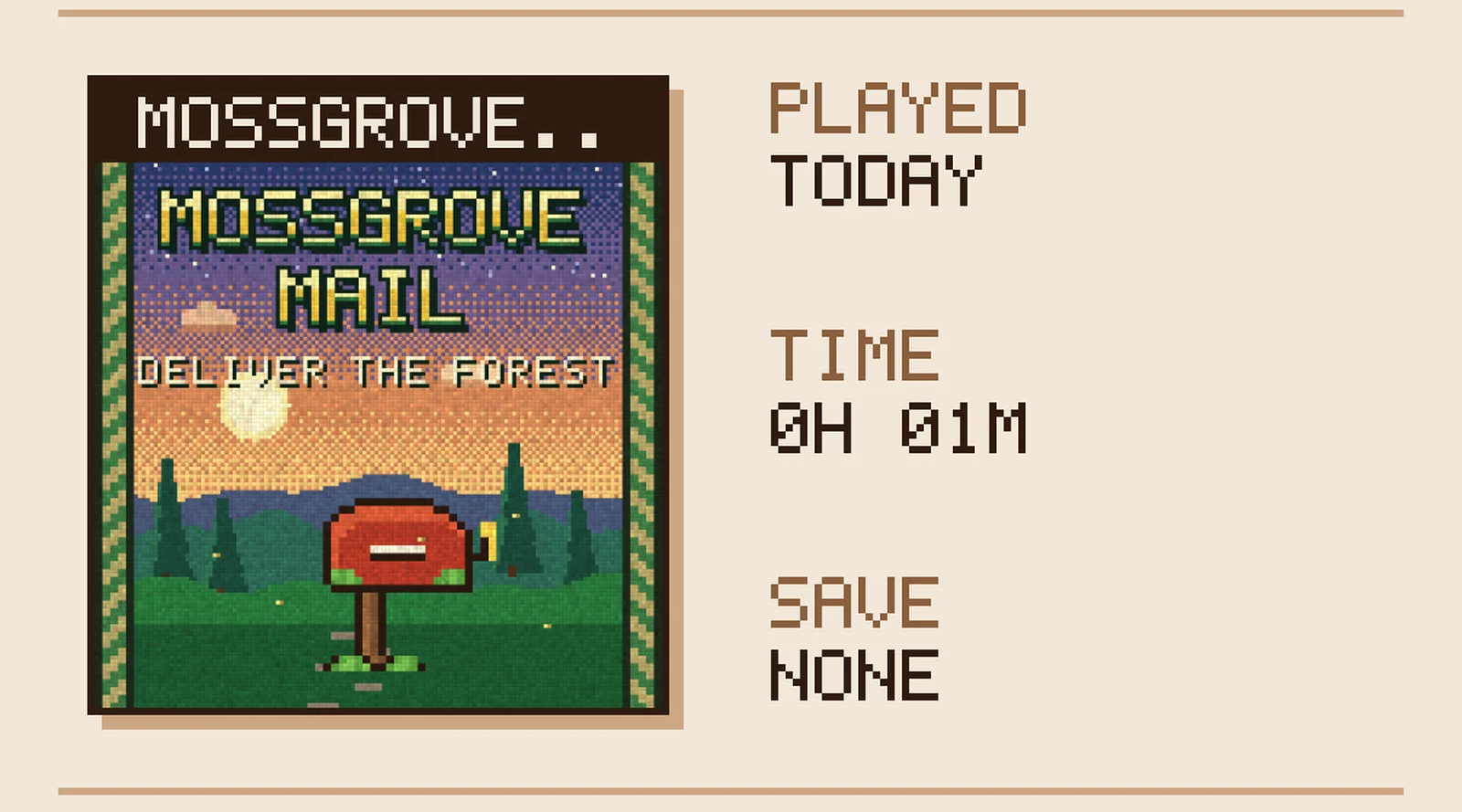
Every game gets its box on the shelf. Pick one to see when you last played, how long you’ve played and whether it has a save. Give any game its box art from your photos or files; a game without any still gets a box of its own, drawn with its cartridge and name.
>Built from scratch
Every chip, rebuilt in software.
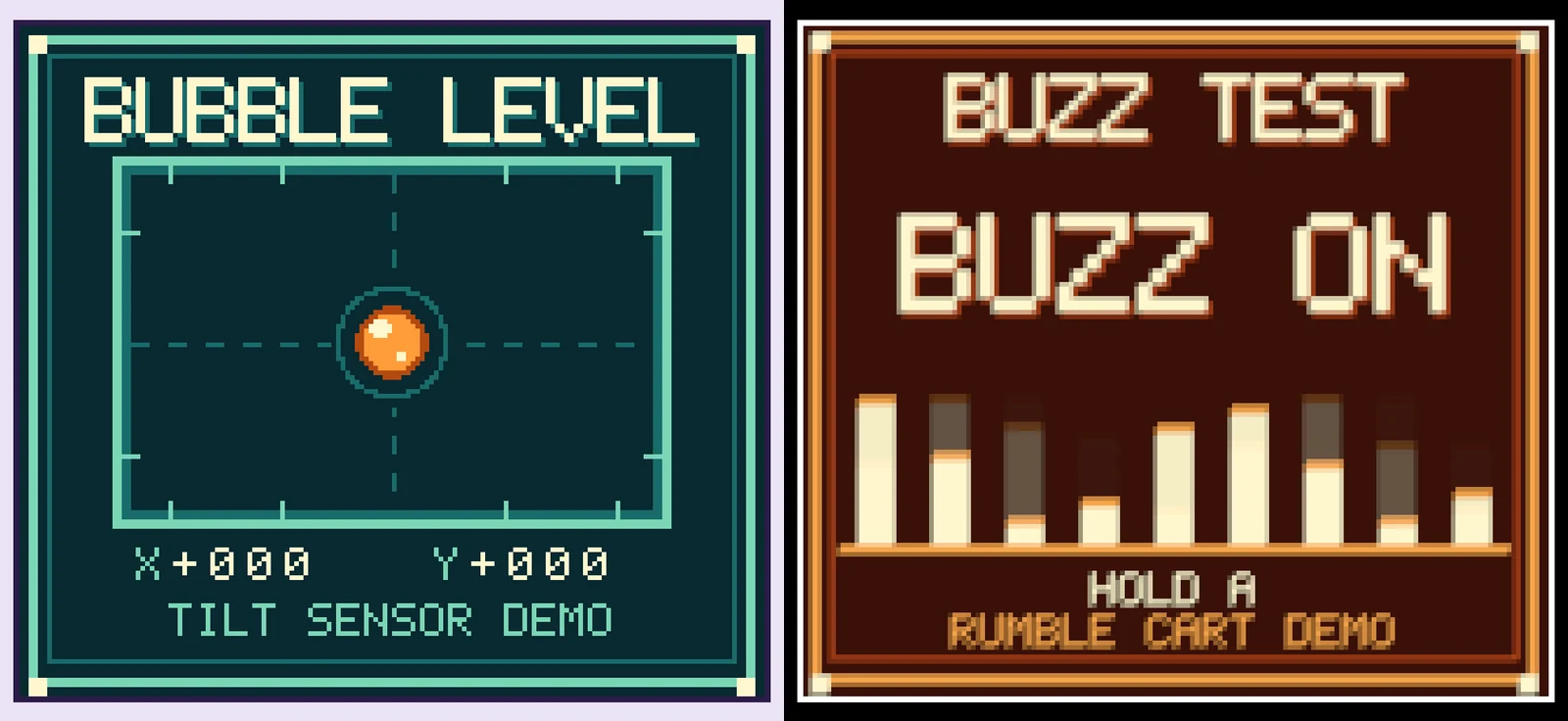
Colorman isn’t built on anyone else’s emulator. Every system is brand-new code, written from scratch in Swift, and each handheld is rebuilt chip by chip: the processor, the picture chip drawing every line in step with the game, and the sound chip playing every note live, just as it came out of the speaker. The hardware hidden inside the cartridges lives on too, from clocks that keep time to rumble motors and tilt sensors. Even the iconic camera cartridge and the printer have been meticulously emulated.
>Multiplayer
Link up. No cable needed.
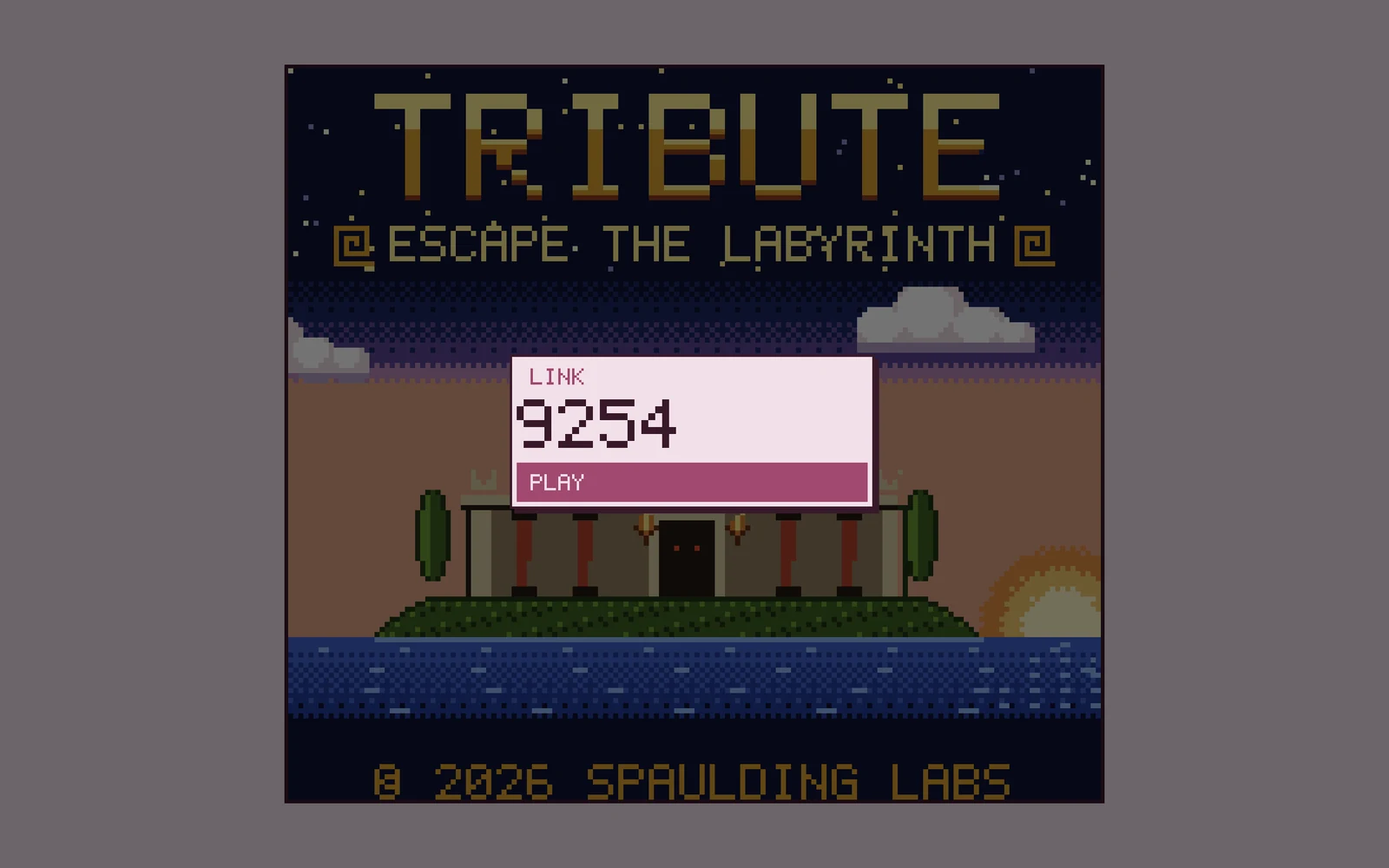
Link two devices and play together, just like a link cable. One of you hosts, the other joins, and both screens show the same code. Each of you plays your own copy of the game; only the link travels between you.
>Freeze anywhere
Stop anywhere. Pick up right there.
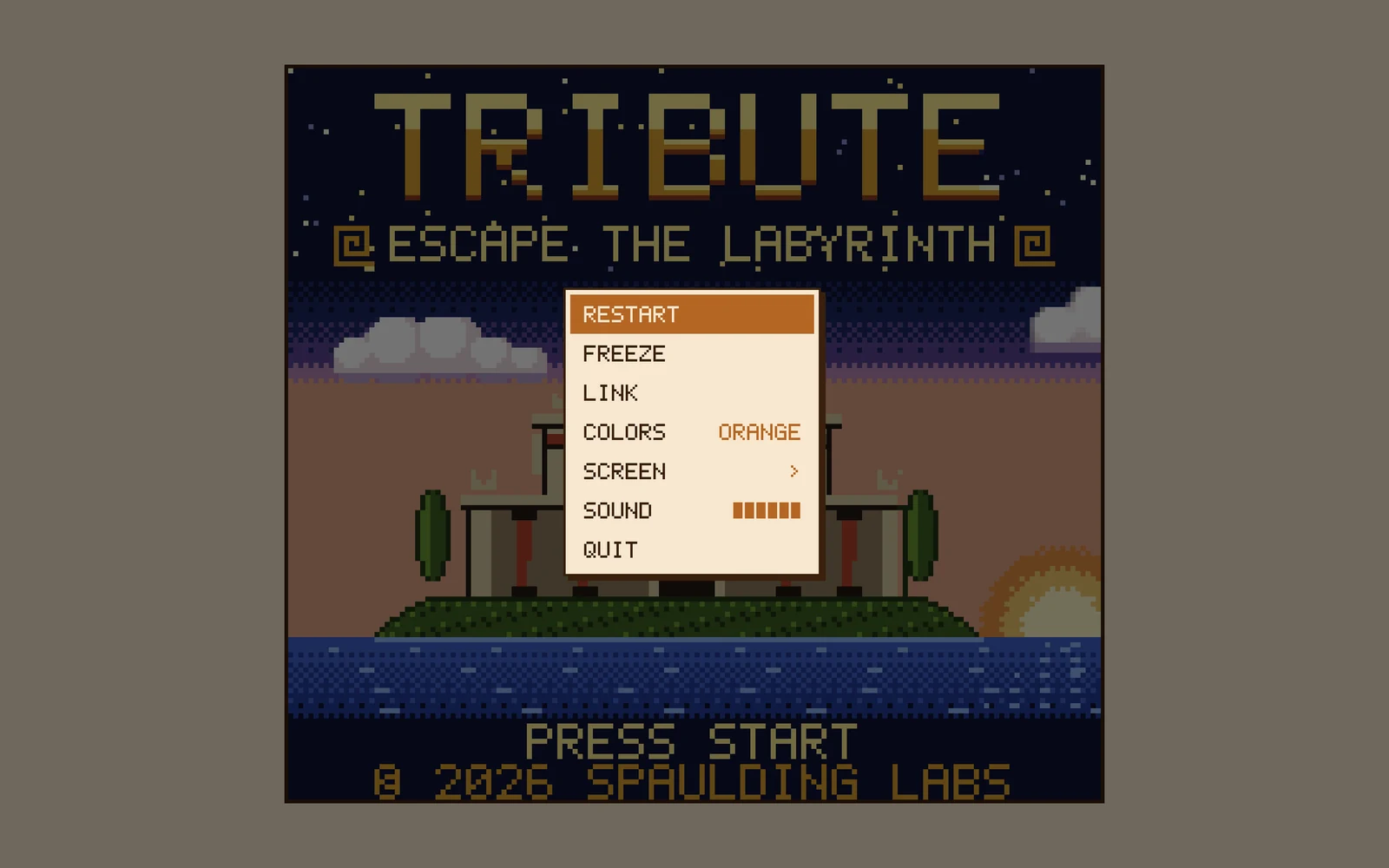
On iPhone, iPad and Mac, freeze a game at any moment, no save point needed, and pick it up exactly where you left off, even after the app is closed. Colorman freezes your game for you when you quit or switch away, so you never lose your place.
>Make it yours
Eight screens. Twelve colours.
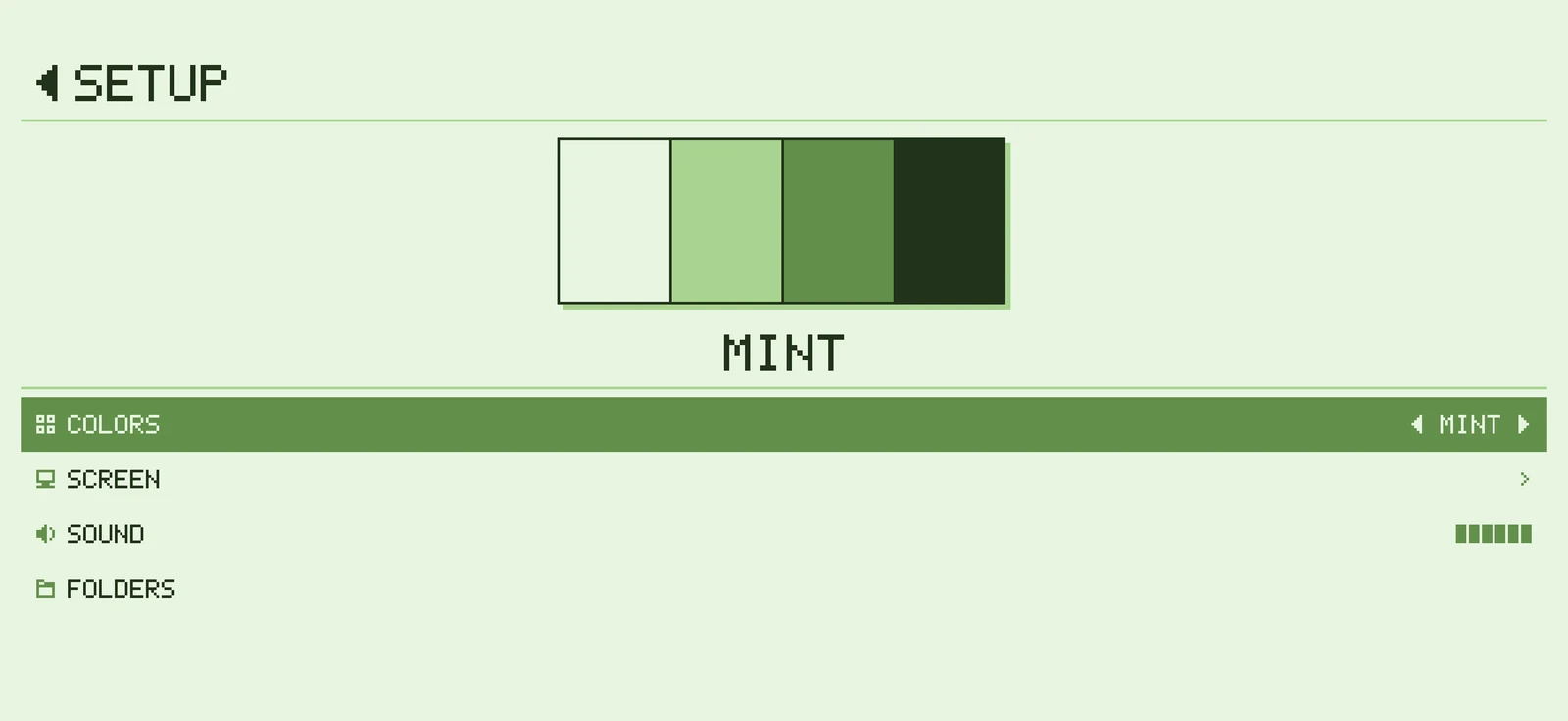
Play on crisp square pixels, a pixel grid, a soft LCD panel and more; on iPhone and iPad, the reflective screen catches the light as you tilt. Every look stays sharp, even on a 4K TV. Then pick one of twelve colour themes that recolour the whole app, and on iPhone and iPad the app icon changes to match.
>Play your way
iPhone. iPad. Mac. Apple TV.
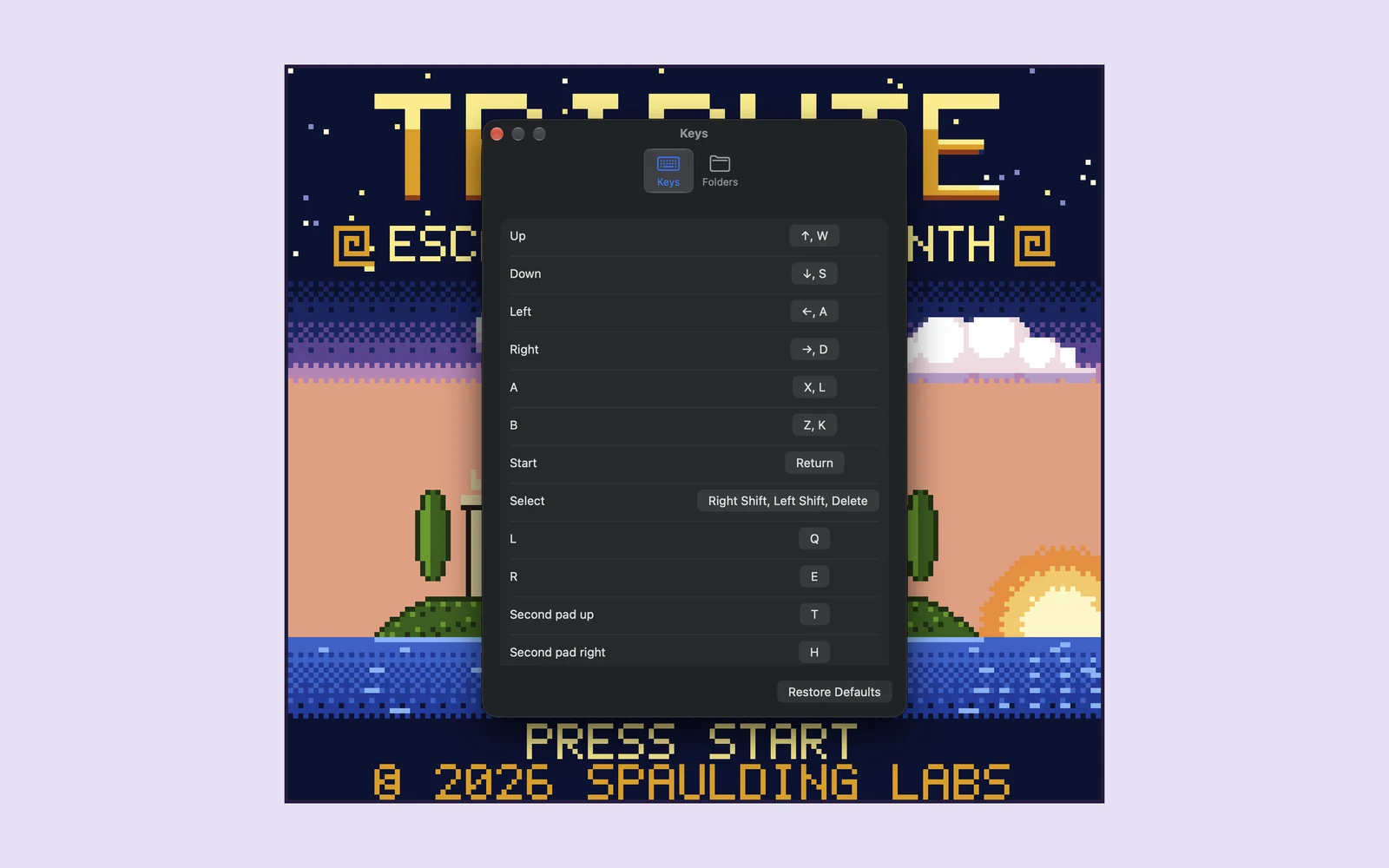
Slide the touch buttons to fit your thumbs, with a layout of their own for each system, upright and sideways. Game controllers work on every device. On a Mac, play with the keyboard and change any key in Settings. On Apple TV, the Siri Remote runs the menus. Hold START any time to pause.
>iPhone Duo
Fold it half open.
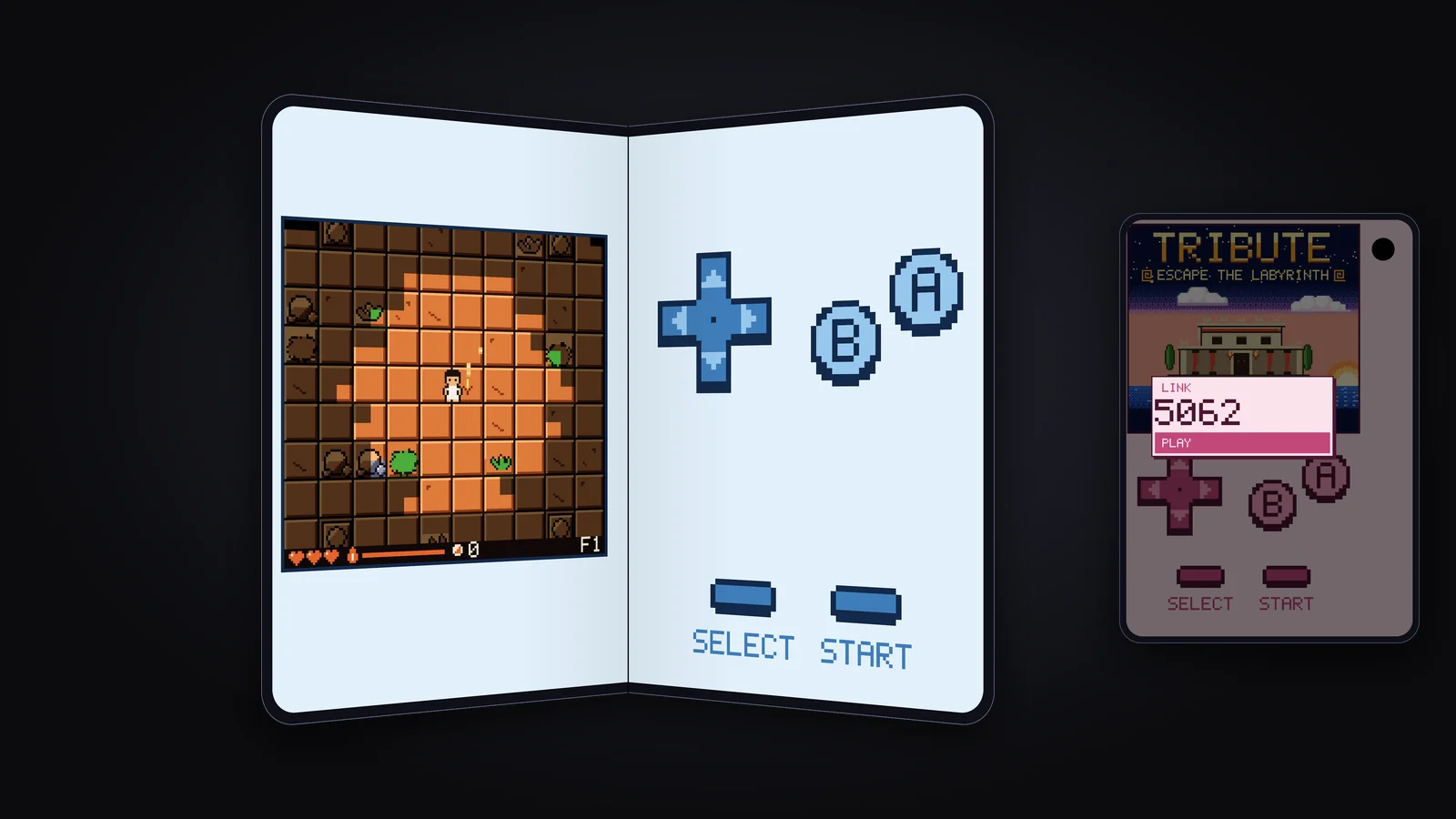
On iPhone Duo, Colorman plays on the front screen when it’s closed and spreads out across the big screen when it’s open. Fold it half open like a book and the game sits on one page, the buttons on the other. Turn it the other way and it plays like a dual-screen handheld: the picture on top, the buttons below. Menus open on the buttons’ side, so the picture is never covered.
>Printouts and photos
Every printout, kept.
Games that print send their printouts to Colorman, which keeps every one and can save it straight to your photos. Camera games see through your iPhone or iPad’s camera.
>Fair play
Free. No ads. No accounts.
Colorman is free, with every system included: no in-app purchases and no subscriptions. Your games stay on your devices, and nothing you do is tracked or sent to us.
>Details
- Plays oniPhone, iPad, Mac and Apple TV.
- SystemsCLASSIC, COLOR, ADVANCE, GEAR, POCKET and SWAN, all free.
- GamesYour own, from the Files app or iCloud Drive, or sent to Apple TV from a browser.
- ControlsTouch, keyboard, Siri Remote or game controller.
- MultiplayerLink two devices and play together.
- FreezeStop any game anywhere and pick it up later, on iPhone, iPad and Mac.
- SavesOn your device, with a copy in your own iCloud.
- PrivacyNo ads. No accounts. Nothing collected.
Pick a system. Press START.
On the App Store for iPhone and iPad. Coming soon to Mac and Apple TV.